

The app is free (MIT). Usage is billed on your Gladia API key.
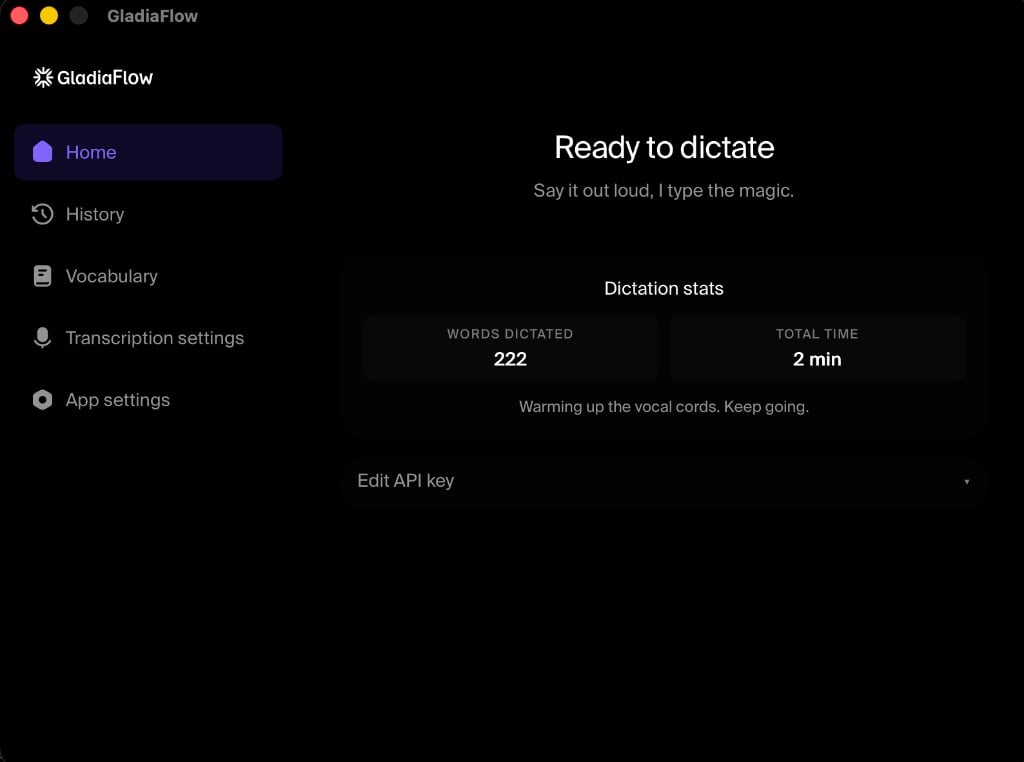
What you get
- Dictate anywhere: any focused text field
- Real-time streaming: partials and finals as you speak
- 100+ languages: auto-detect and mid-sentence code switching
- Custom vocabulary: names, acronyms, domain terms
- Push-to-talk or toggle: configurable global hotkey
- Open source: GitHub
Getting started
1
Download GladiaFlow
Use the GladiaFlow product page, or install from the latest GitHub release:
- macOS: universal DMG (Intel + Apple Silicon)
- Windows: NSIS installer (
.exe)
2
Create an API key
Copy a key from the Gladia dashboard.
3
Paste your key and dictate
Open GladiaFlow, paste your API key, grant microphone (and on macOS, Accessibility) permissions, then hold the hotkey and speak.
What to use when
SDK
Build transcription into your product (JavaScript or Python)
Playground
Try models and features in the browser before you integrate
GladiaFlow
Dictate into any desktop app with a hotkey
CLI
Transcribe files or URLs from a terminal or CI